Creating a Course
Course records are the foundation of Tandem. This guide explains how courses are created and managed within the platform.
Requesting a new course
New courses must be created by a Tandem Tertiary Administrator. To request a new course, please email admin@tandemlearning.com.au.
When requesting a course, you will need to provide:
- The full name of the course (e.g. Digital Signal Processing)
- The institution code (e.g. ELEC3104)
- The email addresses of the initial Course Owners
Creating an offering
Once the course record exists, Course Owners can create Offerings for each teaching period. An offering connects the course to a specific group of students and staff for a set time (e.g. Term 1, 2026).
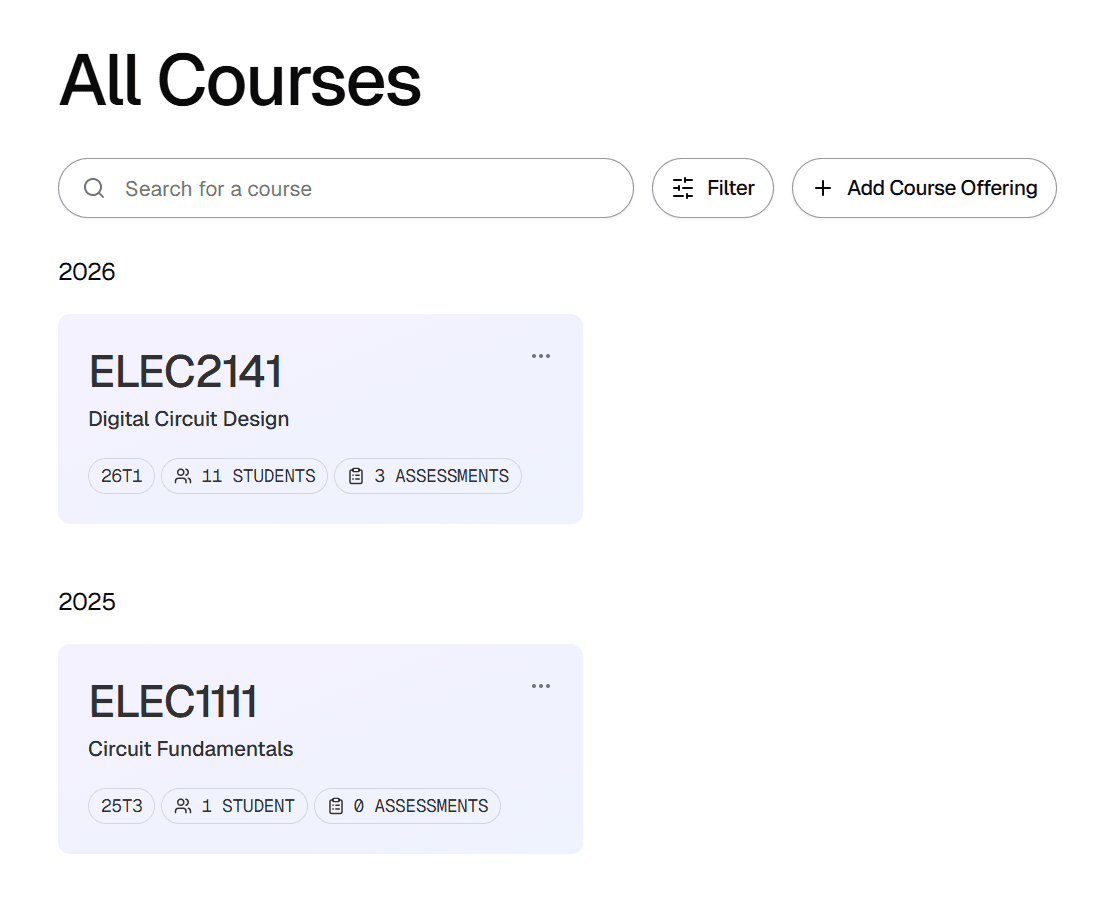
To create an offering, navigate to the course dashboard and click Add offering.
Managing access
Course Owners have full control over their offerings. They can invite additional staff, such as Tutors and Offering Admins, via the Manage Users tab. A guide on user invitations can be found in Inviting Students and Staff. For more details on what each role can do, see Understanding User Roles.
Next steps
With your course and offering set up, you can start building your Question Bank or create your First Assessment.